
Ping CRM
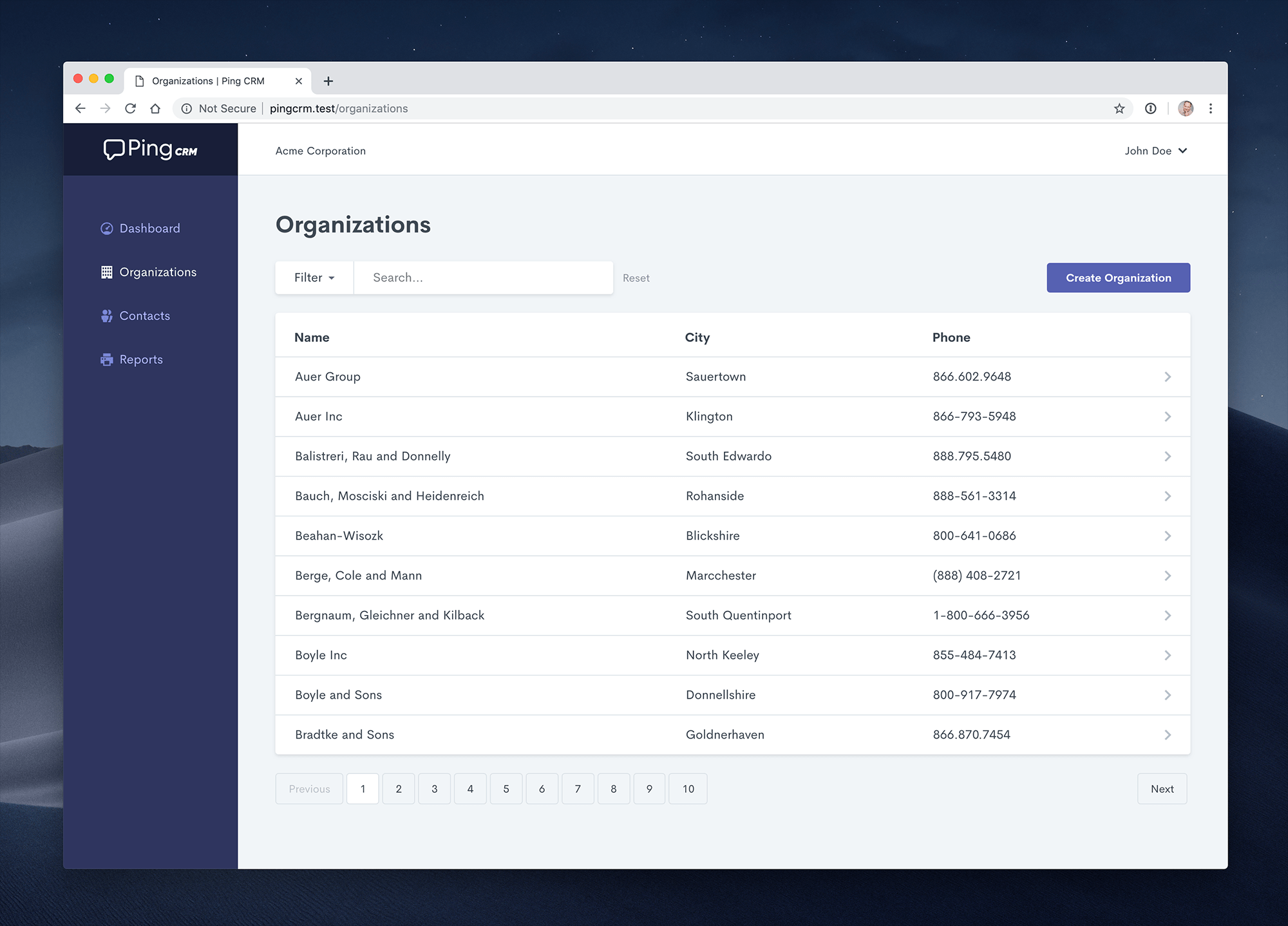
A demo application to illustrate how Inertia.js works.
Installation
Clone the repo locally:
git clone https://github.com/inertiajs/pingcrm.git pingcrm
cd pingcrm
Install PHP dependencies:
composer installInstall NPM dependencies:
npm installBuild assets:
npm run devSetup configuration:
cp .env.example .envGenerate application key:
php artisan key:generateCreate an SQLite database. You can also use another database (MySQL, Postgres), simply update your configuration accordingly.
touch database/database.sqliteRun database migrations:
php artisan migrateRun database seeder:
php artisan db:seedRun the dev server:
php artisan serveYou're ready to go! Visit Ping CRM in your browser, and login with:
- Username: johndoe@example.com
- Password: secret
Running tests
If you have phpunit installed globally, you can run the Ping CRM test suite with:
phpunitOr to install phpunit locally, and then run the test suite:
composer install --dev
./vendor/bin/phpunit